

Choose a smart LED filament lamp in two passes. First confirm that it works as a lamp: the cap, dimensions, light output, appearance and fixture conditions must all match the application. Then confirm that it works as a connected product: the control path, platform features, offline behavior, update method and support period must fit the way the lamp will be used.
That order prevents a common buying mistake. An attractive bulb may connect to the preferred app but sit too high in the shade, create uncomfortable glare or require constant mains power where a wall dimmer is already installed. Conversely, a physically suitable lamp may depend on a cloud service or hub that the project does not want to maintain.
Start With a Five-Gate Decision
Use five gates before comparing decorative details. A candidate should pass every required gate, not compensate for a failure in one area with extra features in another.
| Gate | Confirm before approval | Typical reason to reject |
|---|---|---|
| Fixture fit | Cap, voltage, dimensions, orientation and enclosure condition | The bulb fits the socket but not the shade or thermal environment |
| Light | Lumens, CCT, finish, distribution, glare and color quality | The appearance is attractive but the room remains too dim or visually harsh |
| Control | Infrared, Bluetooth, Wi-Fi, Zigbee, Thread or another defined path | The buyer assumes remote control where only local control is available |
| Platform | Exact functions in the intended app, hub and ecosystem | A logo is present, but a required scene, schedule or sharing function is absent |
| Lifecycle | Reset, transfer, updates, offline behavior and support period | The lamp cannot be maintained or reassigned reliably |
1. Confirm the Fixture Before the App
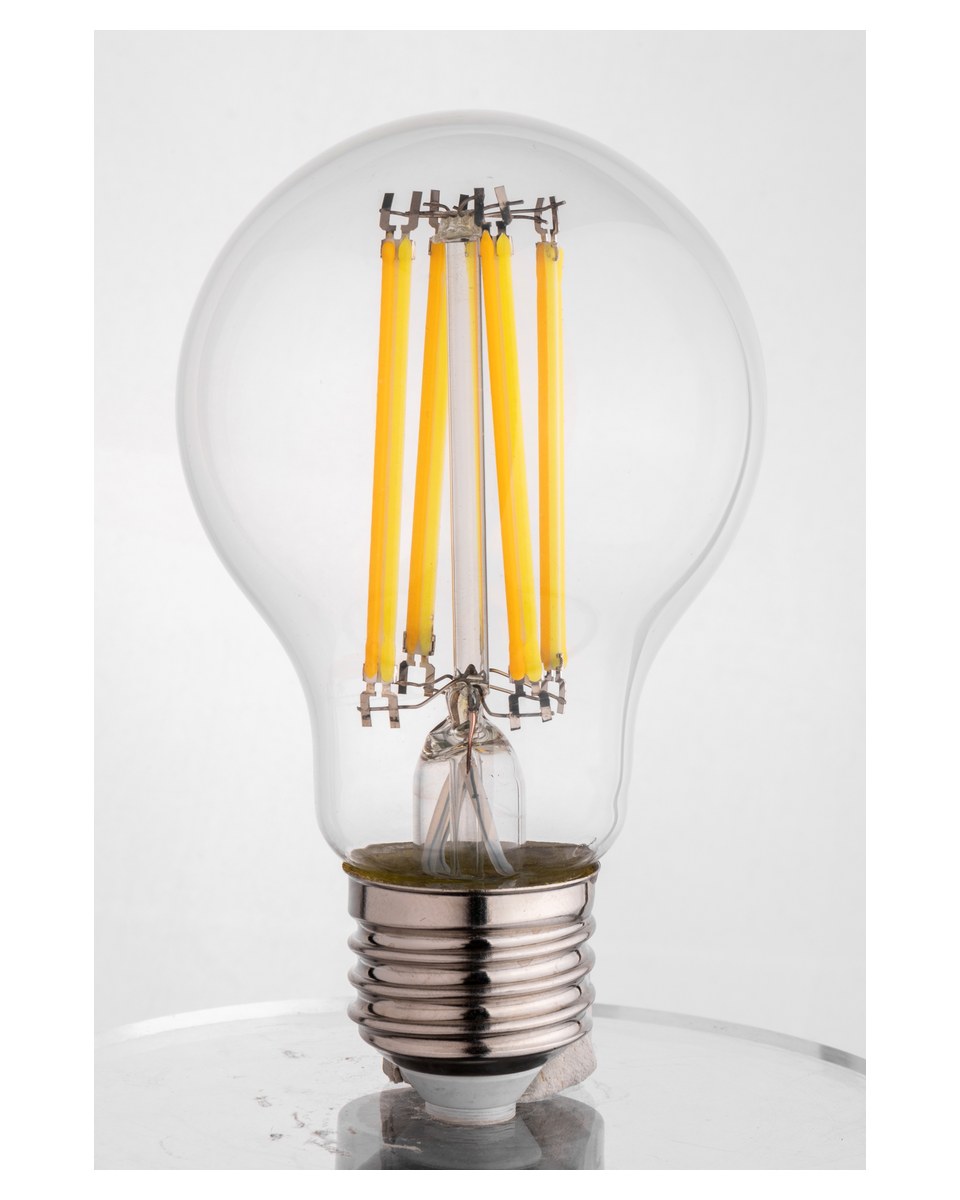
Record the lamp cap, supply voltage and frequency, then measure the available space. Shape names such as A60, ST64, G95 and candle describe families; they do not replace an exact dimensional drawing. Check maximum diameter, overall length, neck geometry, shade opening, socket depth and clearance from glass or other materials.
Smart lamps often need room near the cap for a driver and control electronics. A lamp may screw into the holder yet extend beyond the intended visual line or touch a narrow shade. Installation orientation, fixture wattage, ambient temperature and open or enclosed use also matter. The exact model should state whether it is suitable for the intended fixture condition.
For the physical selection basics, use the broader LED filament bulb selection guide. Buyers looking for a decorative exposed-filament format can also review the vintage Edison decorative filament family before requesting an exact configuration.
2. Specify the Light, Not Just the Look
Start with lumens rather than a wattage-equivalent phrase. Lumens describe visible light output; watts describe electrical input. FTC Lighting Facts guidance uses brightness, energy cost, life, light appearance and wattage as separate buying fields, which is a useful discipline for comparing candidates.
Then define the appearance. Correlated color temperature describes whether white light looks warmer or cooler. Color rendering affects how skin, food, fabrics and finishes appear. Clear glass emphasizes filament sparkle but may produce more direct glare; amber glass changes the decorative impression; frosted glass softens the source. Each version should be reviewed using its own data rather than assuming identical output from the same wattage.
For chandeliers and multi-lamp fixtures, compare samples side by side at both full output and the lowest useful dimmed level. Small differences in brightness or CCT are much more visible when many lamps share one fixture.
3. Choose the Control Architecture
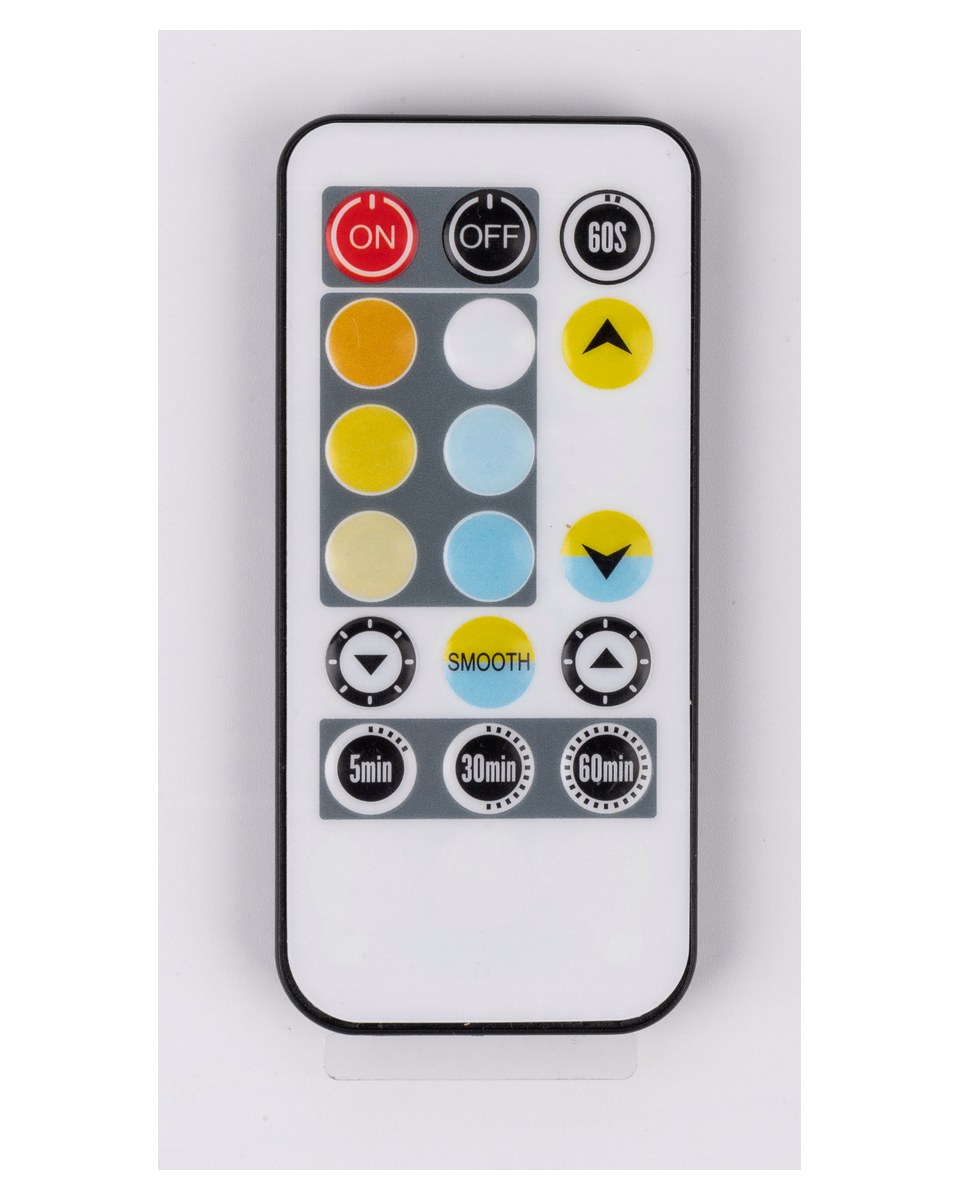
“Smart” does not identify one control method. Define who needs to control the lamp, from where, and what infrastructure is acceptable. A handheld infrared remote, direct Bluetooth connection, Wi-Fi network, Zigbee hub and Thread-based system create different installation and maintenance requirements.
| Control path | Infrastructure to confirm | Best fit | Check carefully |
|---|---|---|---|
| Infrared remote | Compatible handset and line of sight | Simple local control without an account | Remote replacement, pairing and control range |
| Bluetooth | Compatible phone or local controller | Nearby setup and room-level control | Remote access, range and whether a bridge is required |
| Wi-Fi | Supported router band, app and account policy | Direct connection where the Wi-Fi estate is manageable | Device count, credentials, cloud dependence and recovery |
| Zigbee | Compatible coordinator or hub | Managed groups and mesh-based lighting | Exact hub support, profile and replacement workflow |
| Thread | Thread Border Router and supported ecosystem | Low-power IP mesh deployments | Border Router availability and application-layer support |
| Matter | Certified device plus supported transport and ecosystem | Cross-ecosystem control of defined functions | Exact certificate, device type and vendor-specific features |
Matter is an interoperability standard, but it does not mean every app exposes every vendor feature. Connectivity Standards Alliance guidance distinguishes Matter from the network transports and bridging paths beneath it. Verify the exact product and version, the intended controller, and the functions actually available in that ecosystem.
If the project is still deciding between connected and conventional lamps, read smart filament bulbs versus standard LEDs. For another connected-lamp control family, the New Lights Wi-Fi, Bluetooth and Zigbee smart SMD bulb page shows the types of configuration questions to confirm; it is a separate SMD bulb family rather than a filament-model specification.
4. Verify Features One by One
Platform compatibility should be tested as a list of functions, not accepted as a single yes-or-no claim. Confirm onboarding, on/off control, dimming, tunable white or color control, groups, rooms, schedules, scenes, shared access, voice control, remote access and firmware updates.
Also define behavior after a power interruption. Does the lamp return to its last state, a default state or full output? Can a user recover it with a wall-switch sequence? In hospitality or rental applications, an unexpected reset can be more disruptive than a missing decorative scene.
Do not place a conventional phase-cut wall dimmer upstream unless the lamp-and-dimmer combination is explicitly supported. Many smart lamps expect continuous full mains power and perform dimming in their own electronics. The filament LED dimming guide explains why the control path and dimmer compatibility must be checked together.
5. Decide What Must Work Offline
Separate three situations: the internet is unavailable, the vendor cloud is unavailable, or the local router or hub is unavailable. A product can behave differently in each case.
Ask where schedules and scenes run, whether an account is mandatory, whether local on/off and dimming continue, and whether the lamp can be reset or transferred without the original account. Remote control from outside the building may be useful, but it should not silently become a requirement for routine local operation unless the project accepts that dependency.
For a single home lamp, a short interruption may be tolerable. For a restaurant, guest room or display installation, define the required fallback state and keep an ordinary control path available where operational continuity matters.
6. Review Security and Software Support
A connected lamp is also a networked device. NIST’s consumer IoT cybersecurity baseline provides useful buyer-question areas: device identification, secure configuration, data protection, access to interfaces, software updates and awareness of the device’s security state.
Ask how onboarding credentials are created, how accounts and shared access are managed, how updates are authenticated, whether automatic updates can be controlled, and how long software support is planned. Confirm the factory-reset and ownership-transfer process. These questions matter even when the lamp’s light engine continues to operate normally.
Electrical safety, radio authorization, protocol certification and cybersecurity support are separate evidence sets. Verify the exact model, hardware or firmware version and target market for each required document. For installation-related heat questions, consult the smart filament lamp safety and heat guide.

7. Validate a Representative Sample
Test the exact configuration in the real fixture, network and platform. Record model, hardware and firmware versions so a later sample or shipment can be compared with the approved reference.
For one or two lamps, confirm fit, glare, color, dimming range, setup and power-recovery behavior. For a multi-lamp project, also test provisioning time, group response, network coverage, simultaneous scene changes, account roles, replacement and reset. A fleet can expose issues that do not appear in a single tabletop demonstration.
Use this compact approval record:
- exact model, revision and market;
- cap, voltage, dimensions and fixture condition;
- lumens, CCT, finish and color-quality data;
- control protocol, version and required infrastructure;
- platform functions tested in the intended app or hub;
- wall-switch, dimmer and power-recovery behavior;
- local, cloud and internet-outage behavior;
- update, reset, transfer and support arrangements;
- applicable electrical, radio and protocol documents;
- approved sample record and replacement rule.
The result should be a configuration that can be ordered and repeated, not simply a product family that once appeared compatible.
Frequently Asked Questions
Do smart LED filament lamps always need a hub?
No. The requirement depends on the control protocol and desired features. Some Wi-Fi or Bluetooth products connect directly, while Zigbee, Thread, remote access or wider automations may require a compatible hub, Border Router or bridge.
Does Matter guarantee every feature in every app?
No. Matter supports defined interoperability, but platforms and vendor apps can expose different capabilities. Verify the exact model, certificate, controller and required functions.
Can I use a smart filament lamp with a wall dimmer?
Only when the exact lamp-and-dimmer combination is supported. Many smart lamps need constant full mains power and should be dimmed through their compatible digital control path.
Will a smart filament lamp work if the internet goes down?
It depends on where control and automation run. Confirm local on/off, schedules, hub behavior, account requirements and the fallback state before purchase.
What should I test before ordering many lamps?
Test fixture fit, glare, color consistency, dimming, onboarding, group response, network recovery, power recovery, updates, reset and replacement using the exact model and software version.
Make the Selection Repeatable
The best choice is not the lamp with the longest feature list. It is the lamp that passes the fixture, light, control, platform and lifecycle gates for the actual project—and can be validated as an exact repeatable configuration.
For a model-level review, contact New Lights with the cap, fixture, dimensions, lumen target, envelope, control preference, target platform and market. The team can then match those requirements to a suitable configuration and sample path.
Editorial Sources
- Federal Trade Commission, The FTC Lighting Facts Label: Questions and Answers for Manufacturers: https://www.ftc.gov/business-guidance/resources/ftc-lighting-facts-label-questions-answers-manufacturers
- Connectivity Standards Alliance, Matter FAQ: https://csa-iot.org/all-solutions/matter/matter-faq/
- National Institute of Standards and Technology, NIST IR 8425: Profile of the IoT Core Baseline for Consumer IoT Products: https://csrc.nist.gov/pubs/ir/8425/final